The CryptKi Guides
How to structure your crypto setup and reduce your exposure
You set up a wallet. You made your first transactions. Maybe you connected to an app.
Everything worked.
But over time, without noticing it, something shifts. You start using that same wallet for everything. You connect it to multiple apps. You stop checking what you sign. You accumulate permissions you forgot about.
That is not carelessness. That is what happens when there is no structure.
Most losses in crypto do not come from a single dramatic hack. They come from a setup that was never designed to handle real, varied usage. One wallet doing too many jobs, exposed to too many interactions.
This article shows you how to structure your setup so that mistakes stay contained instead of becoming losses.
The goal is not to make your setup complex. The goal is to give each wallet a clear job, so one mistake does not expose everything you own.
Before you start: If some concepts feel unfamiliar, these articles will help:
→ What is a crypto wallet?
→ Hot vs cold wallets: advantages and limitations
→ Approvals and permissions: what you sign in DeFi
Step 1. Understand what you actually do with crypto
Before changing anything, be honest about your usage.
Do you mostly hold and rarely move funds?
Do you use crypto occasionally?
Do you interact with apps or services?
Do you try new things regularly?
Your setup should reflect what you actually do, not what others are doing.
If you only hold, keeping crypto on an exchange can be a simple starting point. But you rely on the platform to access your funds.
If you use a wallet you control, you control access. But you are also fully responsible for what happens.
Know where you stand. Everything else follows from that.
Step 2. Separate your wallets by role
Using one wallet for everything is what creates most risk.
Think of it like everyday money. You do not carry all your savings in your pocket. You keep most of it somewhere safer, and only carry what you need.
The same logic applies here. A simple structure is enough.
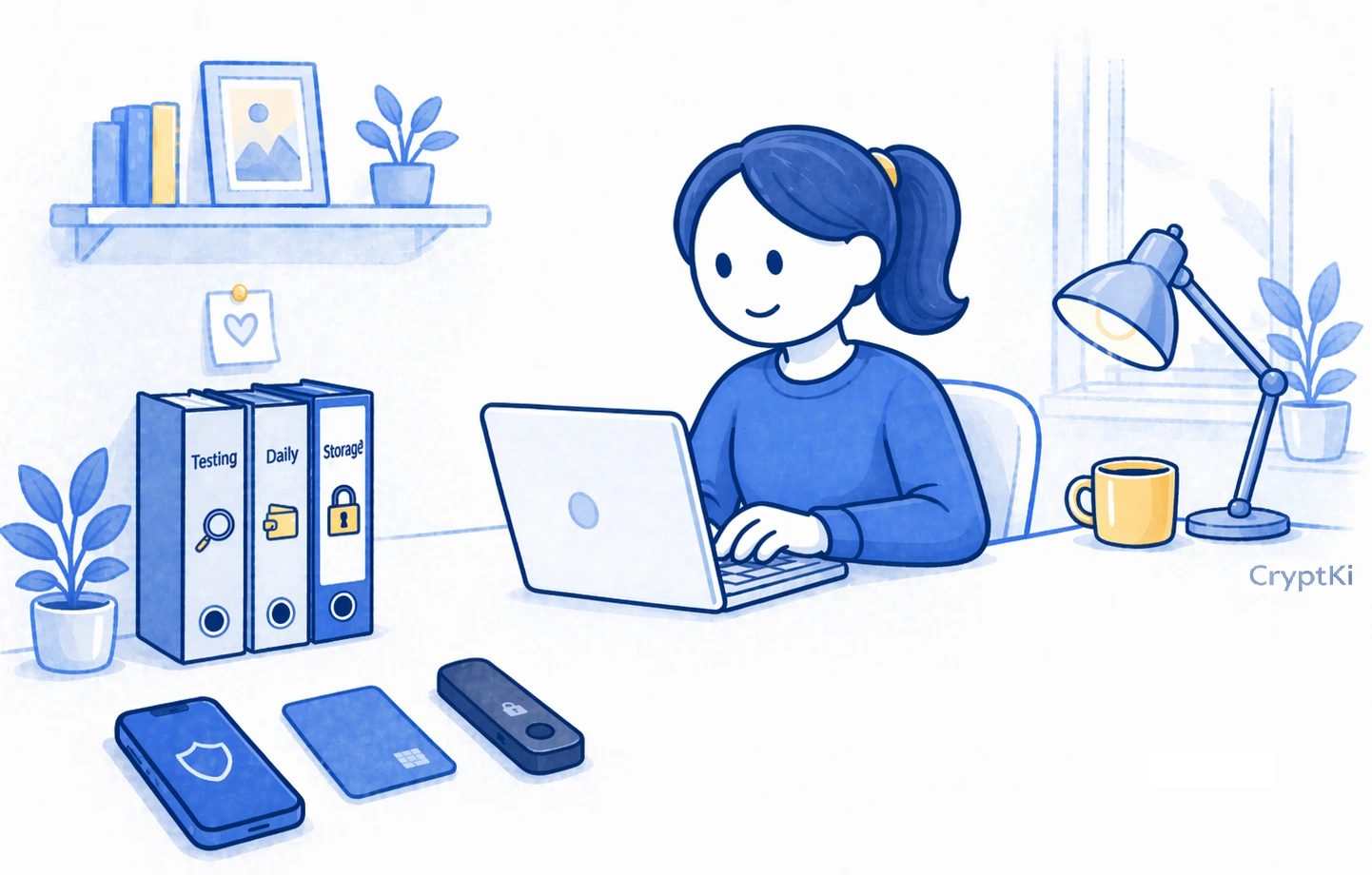
- A storage wallet for long-term holdings. This is where you keep most of your funds. You interact with it as little as possible.
- A daily wallet for regular use. This is where you interact with known platforms and keep smaller amounts.
- A testing wallet for anything new or uncertain. Keep only what is necessary for that specific interaction, and nothing more.
You do not need all three immediately. But as soon as you interact with apps, separating storage from usage becomes critical.
Example:
You discover a new app on social media and connect your main wallet to try it.
Everything looks normal. The interface works. You use it once and move on.
A few weeks later, the app is compromised. The permissions you signed are still active.
Because you used your main wallet, all your funds are now exposed.
If you had used a separate testing wallet funded only for that test, the impact would have been limited to that isolated amount.
This is not about avoiding mistakes. It is about limiting their impact.
You can also separate activities using different addresses.
Using different addresses for different purposes is a simple habit that improves your privacy and reduces your exposure.
Step 3. Set up each wallet with a clear purpose
Each wallet should follow its role.
For your storage wallet:
- Keep it isolated from interactions.
- Use it only to send and receive funds.
- Do not connect it to applications.
- For long-term storage, many users choose a hardware wallet to keep keys isolated from their main device.
For your daily wallet:
- Use it for regular activity.
- Keep limited funds inside.
- Assume it becomes exposed over time.
For your testing wallet:
- Use a completely separate wallet with its own seed phrase.
- Only fund it with small amounts.
- Use it every time you try something new.
Important: adding a new account inside the same wallet application does not create a new seed phrase. It only creates another address linked to the same wallet.
For a testing wallet, you need a completely separate wallet with its own seed phrase.
👉 If you are unsure how to handle seed phrases safely: → How to manage your seed phrase
Do not connect your storage wallet to unknown applications. Do not mix roles for convenience.
Step 4. Verify before you connect or sign
Most losses happen because something looked legitimate.
Fake interfaces can look identical to real ones. Same design, same buttons, same flow.
Even search results can be manipulated. Sponsored links at the top of the page are not verified. Attackers use them to redirect to malicious versions of real platforms.
Before connecting your wallet:
- Check the URL manually.
- Use bookmarks for platforms you trust.
- Avoid links from messages or social media. Verify sources when possible.
Before signing:
- Check what the action is.
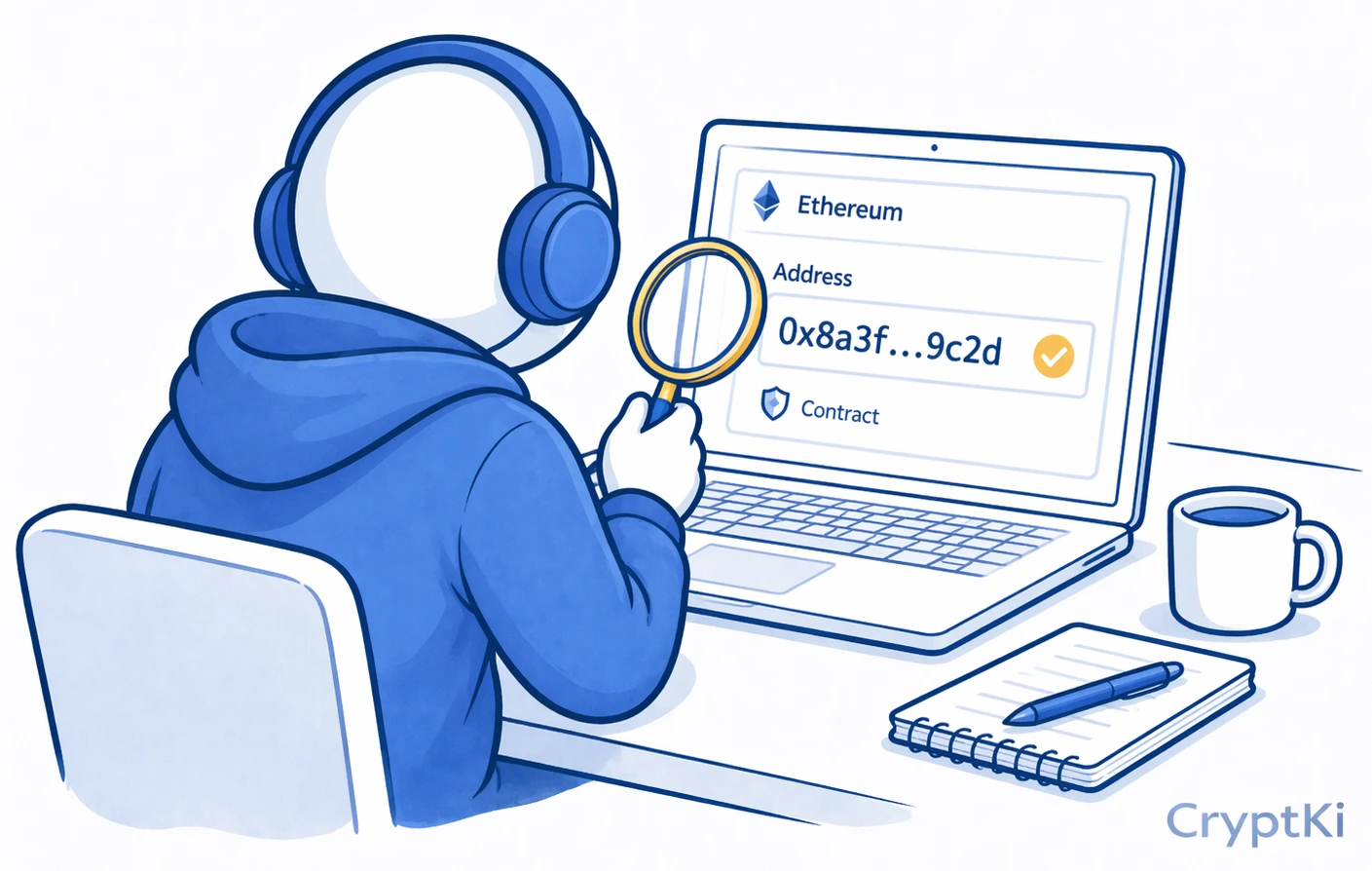
- Check the destination address.
- If you use a hardware wallet, verify on the device screen.
A simple habit prevents many losses: always verify before you sign.
Step 5. Manage approvals as part of your routine
Approvals do not disappear after use.
They stay active until you remove them.
That means a permission you gave months ago can still be used.
What to do:
- Review approvals regularly.
- Revoke what you do not need.
- Avoid giving unlimited permissions when possible.
This is not a one-time action. It is part of ongoing maintenance.
👉 To manage this step by step: → How to revoke approvals safely
👉 To understand how approvals work: → Approvals and permissions: what you sign in DeFi
Step 6. Keep your environment clean
Your wallet is not the only risk.
Your device matters.
If your device is compromised, your setup can be bypassed.
Basic habits reduce most risks:
- Keep your system updated.
- Avoid unknown extensions.
- Do not mix risky browsing with crypto usage.
Example:
A clipboard hijacker replaces a copied address without any visible change on your screen. You paste it without noticing. The transaction is valid, but the funds go elsewhere.
Checking the address every time prevents this.
Some users separate their crypto activity completely. A simple approach is to use a dedicated device, such as an old phone or computer reset for this purpose only. No everyday browsing, no random downloads, no unnecessary apps.
You do not need this at the beginning. But as exposure increases, reducing your environment becomes one of the most effective protections.
Step 7. Reduce how much you interact
More activity means more exposure.
Each connection, each approval, each interaction adds risk.
Each interaction leaves something behind. A connection, an approval, or a signature that may still be usable later.
Good habits:
- Use fewer platforms.
- Take time before signing.
- Avoid acting on unverified information.
You do not need to interact with everything.
Doing less is part of staying safe.
Key takeaways
A good setup does not prevent mistakes. It makes sure they stay small.
Here is what matters most:
- Using one wallet for everything increases risk over time
- Separate storage, usage, and testing to contain mistakes
- Keep only small amounts in wallets used for interactions
- Every connection and approval is exposure and must be managed
- Your device is part of your security
- Less activity means less exposure
Find out more on CryptKi Academy
-
What is a crypto wallet? (custodial vs non-custodial)
To understand what a wallet really does and what changes when you control it yourself. -
Hot vs cold wallets: advantages and limitations
To understand why storage and interaction should not follow the same logic. -
Approvals and permissions: what you sign in DeFi
To understand why old permissions can still create risk long after you forget them. -
How to revoke approvals
To review and remove permissions you no longer need. -
How to manage your seed phrase
To handle separate wallets and separate seed phrases safely from the start. -
How to interact with DeFi safely
To reduce risk when connecting wallets and signing actions on new platforms.
CryptKi Academy full index - Browse all articles
Glossary - Check the definition of all specific terms
Self-custody starts with the right setup.
Explore hardware wallets, seed phrase backups, and accessories designed to help protect your crypto access.