The CryptKi Guides
How to interact with DeFi safely
You open a DeFi app. You click "Swap". A few confirmations appear. You click through them. A few seconds later, your funds are gone. Or not what you expected. Everything worked exactly as designed.
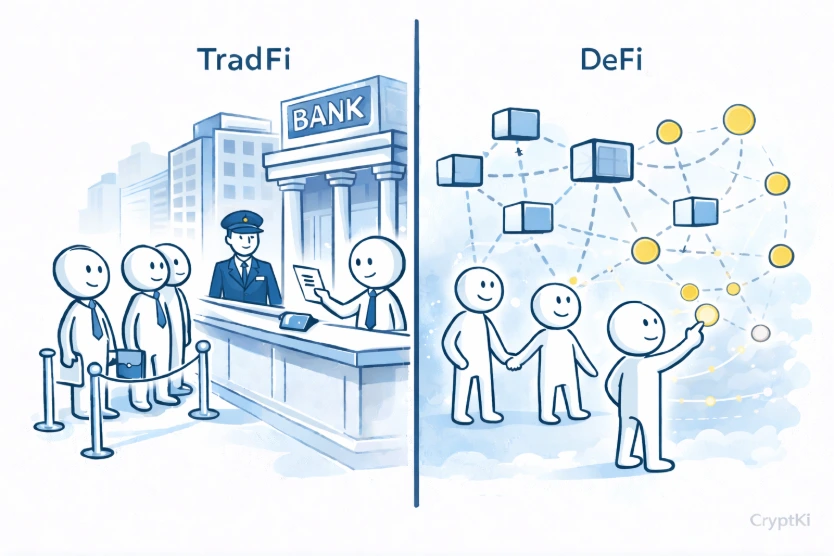
DeFi gives you access to financial tools that don't exist in traditional banking. Swaps, lending, liquidity pools, cross-chain bridges, all of it, without an intermediary.
But without an intermediary also means without a safety net.
No customer support. No fraud protection. No "cancel" button once a transaction is confirmed.
What protects you in DeFi is understanding what you are doing at each step, before you do it.
This guide walks you through a real interaction, from opening an application to confirming a transaction, with what to check and what to avoid at every stage.
👉 If some of these concepts are still unclear:
→ What is a crypto wallet?
→ Crypto transactions: how they work
Before you start: decide your safety limit
DeFi is a complex world.
A protocol offering 70% annual yield today may drop to 2% within days as liquidity moves elsewhere.
The tools are real. The opportunities are real. The risks are too.
If you don't understand what you are doing, don't do it yet. Take the time to learn, to test with small amounts, to read what you are approving. That reflex, checking before confirming, is the single most important habit you can build in DeFi.
Everything else follows from that.
Before using a DeFi app, decide how much you are willing to risk while learning. Use a small amount first, and keep the first interaction simple enough that you can verify each step before confirming.
Before you start: keep native coin for transaction fees
Before executing any transaction on a blockchain, you need to have some of the network's native coin in your wallet. These are used to pay transaction fees, also called gas fees.
Without them, no transaction can be executed. The blockchain will simply reject it.
The amount required varies. It depends on the blockchain you are using and on the current level of network activity. Ethereum has historically had significant fees during busy periods, though the network has been working hard to bring them down and continues to improve. On other networks like Base, Arbitrum, or Polygon, fees are generally much lower. Either way, always keep a small reserve of the native coin on each network you plan to use.
Rabby simplifies this. Before you confirm, it shows you the estimated fees and alerts you if your balance is too low to cover them.
In addition, it offers a Gas Account: a balance funded in USDC or USDT that covers fees across all supported EVM networks, removing the need to hold each network's native coin separately. When you initiate a transaction, Rabby transfers the required native coin to your address and submits the transaction on your behalf.
For other blockchain ecosystems, equivalent features may exist in dedicated wallets. It is worth checking whether your preferred wallet offers something similar before manually managing gas reserves across multiple networks.
Step 1. Open the application and check the address
Select the DeFi application you want to use and open it in your browser.
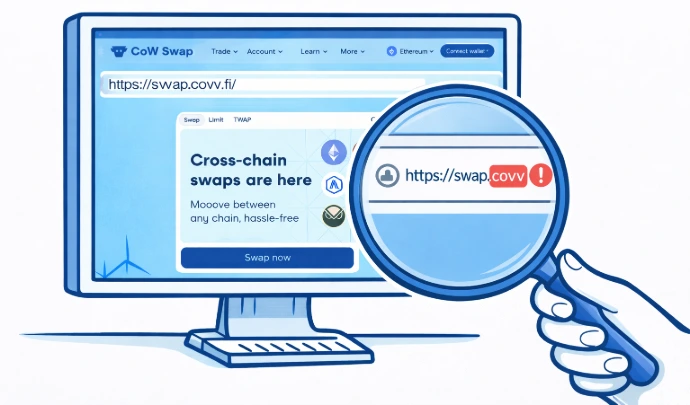
Before anything else, check the URL.
This sounds obvious. It is also where a lot of people get compromised.
A technique called typosquatting consists of registering domain names that look almost identical to legitimate ones. The differences are designed to be invisible at a glance. "l" (lowercase L) replaced by "1" (the number one), "m" replaced by "rn", "w" replaced by "vv", "o" replaced by "0". "cow.fi" becomes "c0w.fi". At normal reading speed, you won't notice.
To verify you are on the right site, check the URL against the project's official website or their verified social accounts. Some wallets do this automatically. Rabby, for example, checks whether the site is known and flags it if it has never been interacted with before. If it raises a warning, don't dismiss it without understanding why.
Step 2. Connect your wallet
You click "Connect" and select your wallet type. Your wallet opens and asks you to confirm you are authorised to use it. Depending on your wallet and your device, this can take different forms: a PIN code, a password, a fingerprint, or face recognition.
Then it asks you to approve the connection to the application.
If your wallet manages multiple addresses, make sure the right one is active before connecting. The application will connect to whichever address is currently selected. You won't be asked which one.
Once connected, the application knows your public address. From that address, it can read your balances, your tokens, and your full transaction history. This is public information on the blockchain. No permission is required to read it.
Your address is usually displayed in the top right corner of the interface. That confirms which account is connected.
At this point, nothing has happened to your funds. The connection itself is not an action.
Step 3. Sign a message (if requested)
Some applications ask you to sign a message before you can use them.
This step is optional. Not all platforms request it. When they do, it is used to verify that you actually control the address you connected. It is a proof of ownership, nothing more.
Signing a message does not interact with the blockchain. No transaction is sent. No fees are paid. Nothing moves.
A simple login message does not move funds. But not every signature is harmless. If the message contains permissions, orders, permits, or unclear structured data, pause before signing.
You can confirm it safely, as long as you initiated the action yourself and the request appears immediately after a deliberate step on your part. A signature request that appears out of nowhere, without you having done anything, is a warning sign.
Step 4. Approve access to your tokens
Before executing most actions, the application will ask you to approve access to your tokens. This step is called an approval.
An approval gives the smart contract permission to use your tokens. It does not move them. It is an authorisation.
Pay close attention to the amount. The suggested approval amount is often set to the maximum the contract supports, which can be far more than you actually intend to use. This is called an unlimited approval. It means the contract could access all your tokens of that type, not just the amount for this specific action.
The safer approach is to adjust the amount manually. If you are swapping 20 tokens, approve 20 tokens. Not more.
Some approvals can also be granted through signatures instead of normal transactions. Treat them with the same caution.
Approvals remain active after the transaction is done. If you approved a contract once and never revoked it, that permission still exists. If the contract is later compromised, it can use that permission without asking you again.
Your wallet may show you your active approvals. If not, a tool like revoke.cash lets you see and remove them.
👉 To understand this in depth:
→ Approvals and permissions: what you sign in DeFi
→ How to revoke approvals safely
Step 5. Confirm the transaction
After the approval, a new request appears. This time, it is the transaction itself.
This is the moment where the action is executed. A swap, a deposit, a withdrawal, a bridge, whatever you set out to do. This is what actually triggers the operation and records it on the blockchain permanently.
Before confirming, look at what your wallet is showing you: the destination address, the amount, the estimated fees. If something looks different from what you expected, stop.
Once confirmed, the transaction cannot be reversed. The blockchain does not care about your intentions. It only executes what you approved.
When multiple steps are required
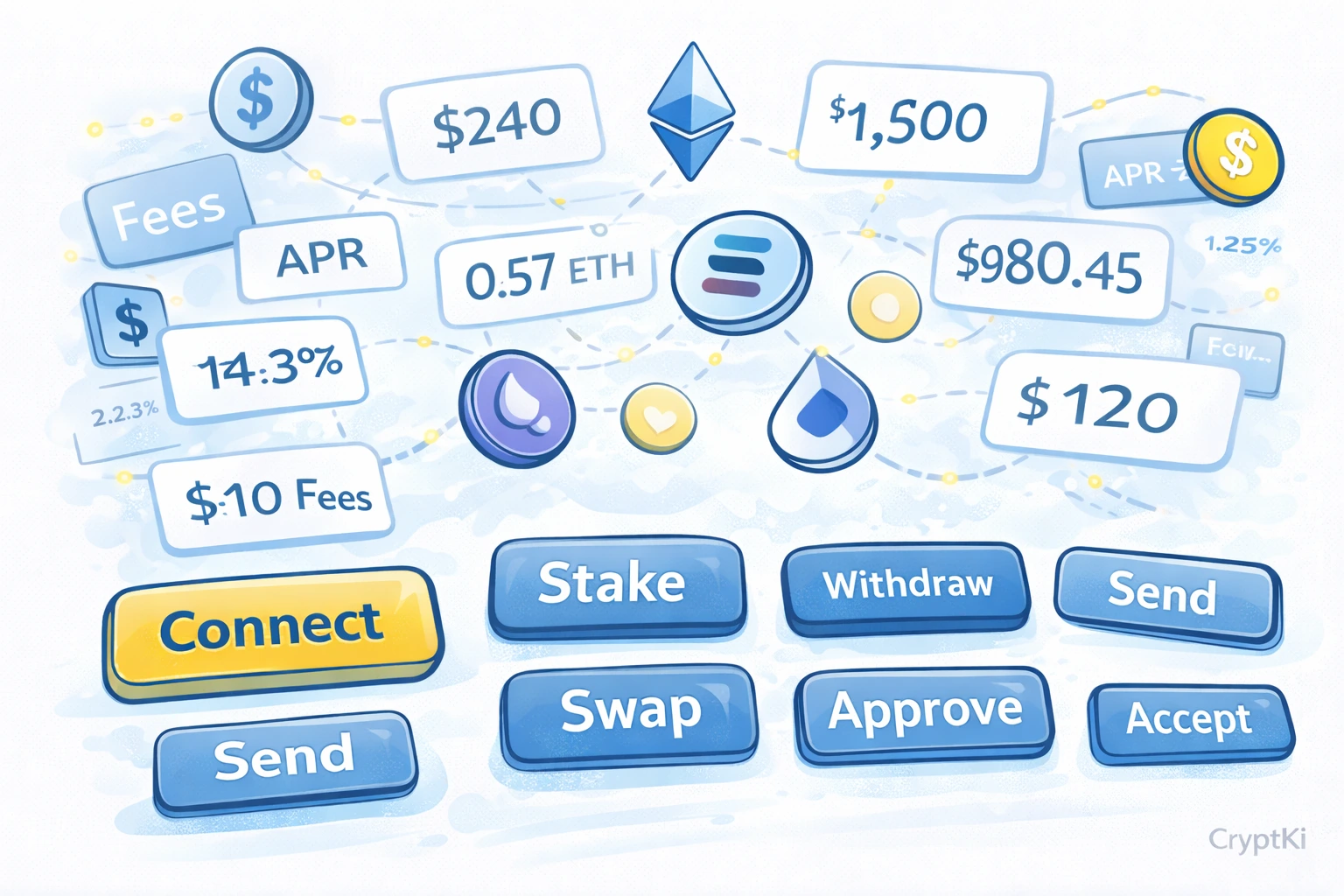
Some actions require more than one transaction. A simple swap on a single network usually involves one approval and one transaction. But many operations are more complex than they appear.
A cross-chain bridge is one example. Providing liquidity with two tokens is another. Some protocols route your action through several intermediate steps automatically, each requiring its own confirmation.
Imagine you want to swap ETH on Ethereum for PENDLE on Base. PENDLE may not be directly available as a trading pair on Ethereum. The smart contract might first swap your ETH to USDC on Ethereum, then bridge the USDC to Base, then swap the USDC to PENDLE on Base. Three operations, each with its own confirmation, each with its own fees.
If you confirm each step without understanding what it does, you are effectively giving instructions in a language you don't speak and hoping for the right result.
Each confirmation has a different meaning. If you treat them all the same, you may approve something you did not intend.
When you don't understand what a step is doing, don't confirm it. Wait, research, or ask.
👉 To go deeper on this:
→ How to swap and bridge assets safely
What your wallet can help you with
Some wallets include features that help you catch problems before they happen.
Rabby, for example, automatically checks whether the site you are connecting to is known, whether the smart contract has been used before, and flags interactions that look unusual. If it raises a warning, you have to actively override it to proceed. That is the point. It forces you to make a deliberate choice rather than clicking through by habit.
These warnings are useful. But they are not a guarantee. They can be wrong, and they can be bypassed. The responsibility for what you approve always remains yours.
Approvals stay active after you leave
When you approve a contract and then leave the platform, the approval does not disappear. It stays active. The contract retains permission to access your tokens until you explicitly revoke it.
Over time, if you use many platforms without revoking approvals, you accumulate a list of active permissions you may no longer remember. If any of those contracts are later compromised or turn out to be malicious, your tokens are accessible without any new confirmation from you.
Checking and revoking unused approvals regularly is a basic hygiene practice in DeFi. It takes a few minutes and reduces your exposure significantly.
Interfaces don't always show you everything
A button that says "Stake" or "Earn" can hide several simultaneous operations: an approval, a transaction, a lock condition, an interaction with multiple contracts.
The interface shows you what it wants you to do. The smart contract enforces what actually happens.
A common situation: you stake tokens expecting to be able to withdraw at any time. You later discover they are locked for a fixed period. The interface did not lie, but it did not make the constraint obvious either.
When something is unclear, look for the documentation. Most legitimate protocols publish it.
If you want to go further, the smart contract code itself is publicly available on the blockchain. On Ethereum, you can read it directly on Etherscan. On other networks, equivalent explorers exist. You don't need to be a developer to do this. You can copy the code and ask an AI to help you understand it, checking for unusual permissions or hidden conditions. Keep in mind that this gives you useful signals, not certainty. AI tools can help explain code, but they cannot prove that a contract is safe. If the contract code raises questions you can't answer, treat that as a reason to pause, not to proceed.
If you can't find the documentation at all, that is itself useful information.
Phishing and fake interfaces
Some risks do not come from the protocol itself. They come from imitation.
Fake websites, modified URLs, and links shared through messages or social platforms are common. A site can look identical to a real platform. If you connect your wallet and approve a request, the transaction is valid.
But the destination may not be what you expected.
The blockchain does not verify the legitimacy of the interface. It only executes what you approve.
👉 To go further:
→ Phishing: how to recognize and avoid it
A final note
DeFi protocols evolve constantly.
Interfaces change, smart contracts are upgraded, risks emerge, and protocol rules may differ from what is described here.
Before signing or approving anything, always verify how the protocol currently works through official documentation and trusted sources.
If you do not fully understand what you are approving, do not approve it.
And never rely on a single source when the consequences are irreversible.
Key takeaways
- Check the URL before connecting. Typosquatting is common and effective.
- Connecting your wallet does not move funds. It enables interaction.
- Message signatures prove ownership. They do not move anything.
- Approvals are authorisations, not transactions, but they persist until revoked.
- Always adjust the approval amount to match what you actually need.
- Always keep a small reserve of the native coin on each network you use.
- Transactions are irreversible. Check before confirming.
- Multiple confirmations in one flow can mean very different things.
- Wallet warnings exist for a reason. Don't dismiss them without understanding them.
- Unused approvals are a long-term risk. Review them regularly.
Find out more on CryptKi Academy
-
Smart contracts: what they are and why they matter
To understand what you interact with when a DeFi app asks you to confirm. -
How to swap and bridge assets safely
To understand the specific risks behind swaps, bridges, routing, and wrapped assets. -
How to revoke approvals safely
To review and remove old token permissions that still expose your wallet. -
Approvals and permissions: what you sign in DeFi
To understand what approvals and signatures really authorize. -
How to read a transaction on Etherscan
To verify what actually happened after you confirmed a transaction. -
Phishing: how to recognize and avoid it
To recognize fake interfaces, malicious links, and impersonation attempts before connecting.
CryptKi Academy full index - Browse all articles
Glossary - Check the definition of all specific terms
Every transaction depends on the wallet behind it.
Explore hardware wallets, seed phrase backups, and accessories that support safer self-custody habits.